Real UGC output — your footage, AI presenter, 9:16 ready.
Start freePick a style. Ship the reel.
Same flow — different look for every campaign.

Corner Overlay
Avatar PiP over your footage.

Mixed B-Roll
Presenter + product cuts.

Phone Screen
Phone mockup for app demos.

Screen + Voice
Screen + AI voice only.
Region-matched
faces & voices.
Pick a presenter that fits your audience — then generate.
 arab
arab european
 south asian
 east asian
 british
 australian
 american
 french
 asian
asian russian
 brazilian
 nigerian
 mexican
 turkish
 scandinavian
 filipino
 german
 caribbean
 indonesian
 canadian
 colombian
 egyptian
 italian
 moroccan
 polish
 greek
greek dutch
dutch ukrainian
 malay
malay czech
czech slovak
 croatian
 bulgarian
 romanianarabeuropeansouth asianeast asianbritishaustralianamericanfrenchasianrussianbraziliannigerianmexicanturkishscandinavianfilipinogermancaribbeanindonesiancanadiancolombianegyptianitalianmoroccanpolishgreekdutchukrainianmalayczechslovakcroatianbulgarianromanian

Make it.
Ship it.
Download MP4, share a link, or post to TikTok, Instagram, and YouTube.

Simple plans. Same features.
Monthly credits — or pay-as-you-go top-ups with no plan. Same generator either way.
Starter
For creators scaling their first campaigns.
220 credits included
- ≈15 clips @ ~15s each
- 1 credit = 1 second
- Up to 30 seconds per video
- 25 region avatars + 15 English voices
- AI script from product description
- 4 styles: corner overlay, B-roll, phone screen, screen + voice
- Your clip composited in (up to 30s)
- Animated rich captions (optional)
- Share link + TikTok/Instagram publish
- Pay-as-you-go top-ups — no plan required
- Cancel anytime — leftover credits stay usable
- Rollover: 6 mo monthly/top-up · 12 mo annual
Pro
For creators shipping UGC at a higher volume.
600 credits included
- ≈40 clips @ ~15s each
- 1 credit = 1 second
- Up to 30 seconds per video
- 25 region avatars + 15 English voices
- AI script from product description
- 4 styles: corner overlay, B-roll, phone screen, screen + voice
- Your clip composited in (up to 30s)
- Animated rich captions (optional)
- Share link + TikTok/Instagram publish
- Pay-as-you-go top-ups — no plan required
- Cancel anytime — leftover credits stay usable
- Rollover: 6 mo monthly/top-up · 12 mo annual
Max
For agencies running at scale.
1,200 credits included
- ≈80 clips @ ~15s each
- 1 credit = 1 second
- Up to 30 seconds per video
- 25 region avatars + 15 English voices
- AI script from product description
- 4 styles: corner overlay, B-roll, phone screen, screen + voice
- Your clip composited in (up to 30s)
- Animated rich captions (optional)
- Share link + TikTok/Instagram publish
- Pay-as-you-go top-ups — no plan required
- Cancel anytime — leftover credits stay usable
- Rollover: 6 mo monthly/top-up · 12 mo annual
Latest from the blog
Guides, comparisons, and pricing math — written for UGC teams.


Frequently asked questions
Product, pay-as-you-go, and rollover — full plan details on Pricing.
Usually a few minutes after you hit generate. Download the MP4 from your dashboard when it is ready.
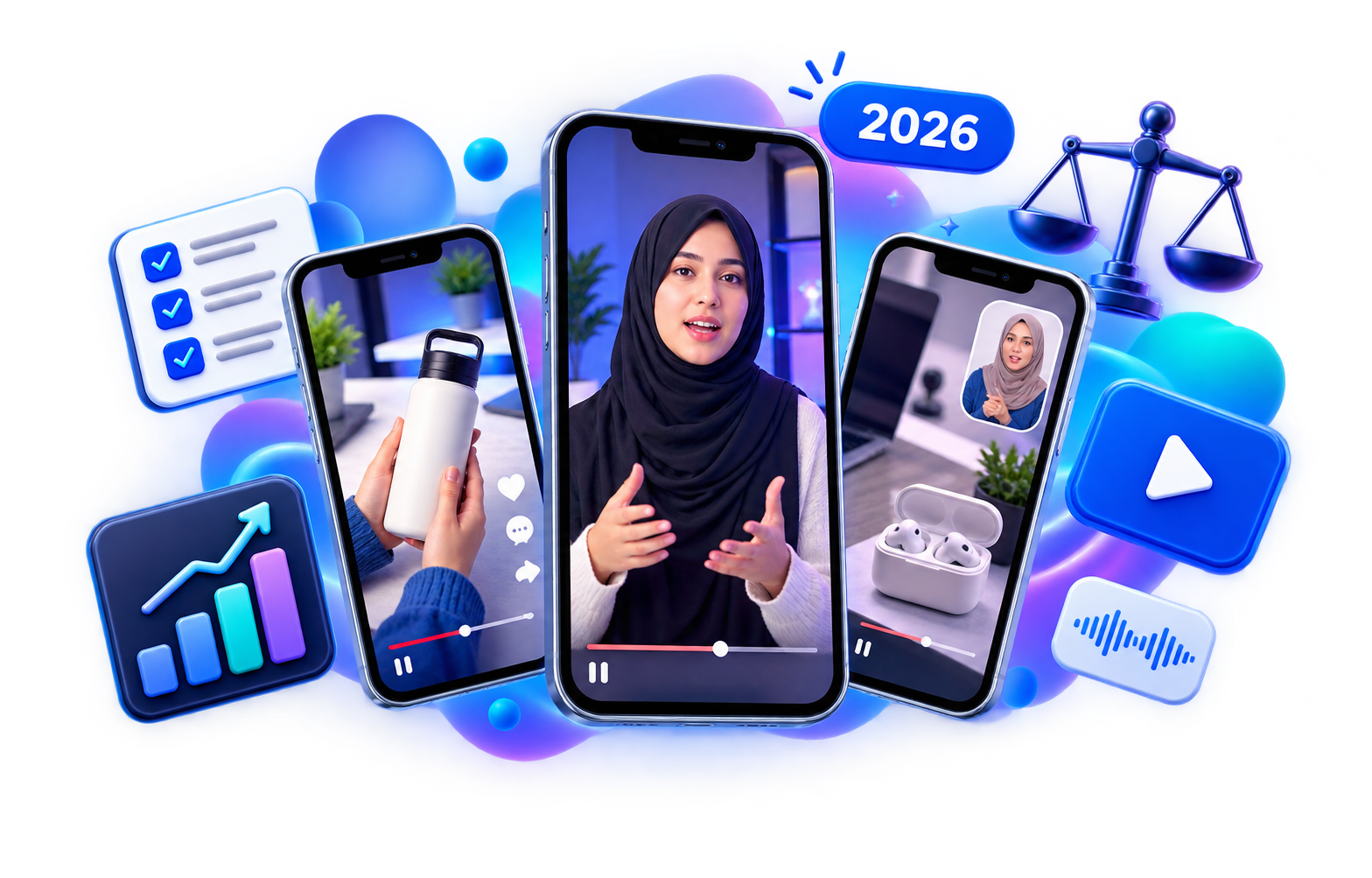
Four layouts: corner overlay (avatar PiP), mixed B-roll, phone screen mockup, and screen + voice (no avatar — just your clip and AI voice).
Yes. Upload MP4, MOV, or WebM — product demo, screen recording, or camera footage. We trim clips longer than 30 seconds.
Buy credit top-ups anytime from billing (~$0.10/credit) with or without a subscription. No plan is required to top up or generate — spend only what you need.
Nothing is locked or deleted. Unused credits stay usable after your subscription ends, through their rollover window — up to 6 months from grant for monthly plans and top-ups, and 12 months for annual allotments. You can keep creating until that balance is used or expires.
No. Reloop handles voice, avatar, compositing, and captions. You get one 9:16 file ready to post.