The short answer: record 15–30 seconds of your app doing one useful thing, upload it, pick a style and a presenter, and let the AI write a script from what it sees. You get a finished vertical 9:16 video you can download or post.
Most app founders already have the raw material: a screen recording. What's missing is everything around it: a hook, a voice, a face, captions, and the right shape for TikTok. Here's the whole process.
Step 1: Record one idea
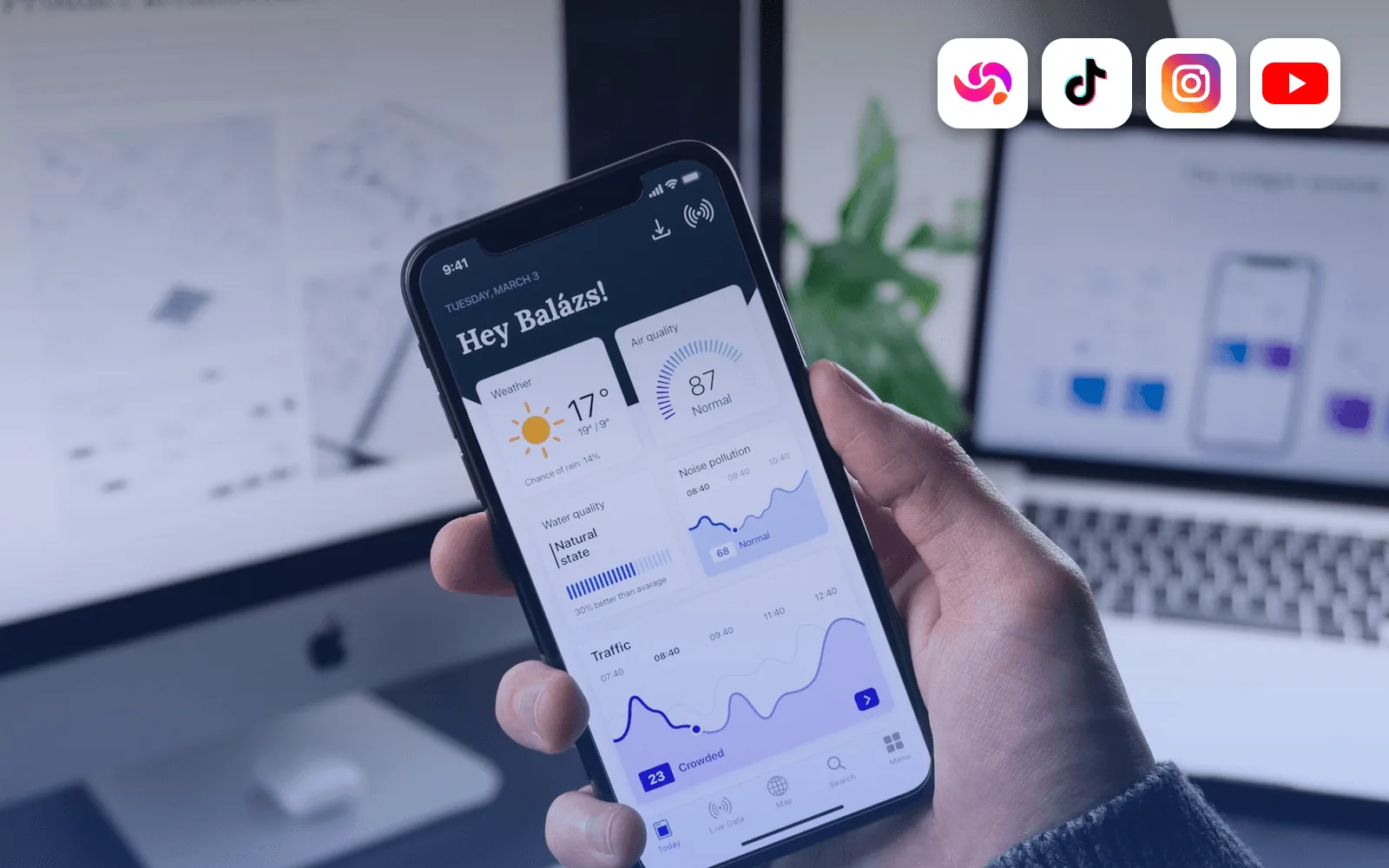
Open your app and record the screen while it does one thing: a result, a before/after, a feature that saves time.
- Keep it to 15–30 seconds. Videos are capped at 30 seconds, and clips longer than that use the first 30.
- Start on the interesting moment. Skip the splash screen.
- MP4, MOV, and WebM all work, and phone recordings are fine.
Step 2: Pick a style
In Reloop Studio the same recording can become five different videos. See the 5 video styles explained for examples, but the short version:
| Style | Best for |
|---|---|
| Corner Overlay | Walkthroughs where the app stays large |
| Reaction Cam | "I just found this app" energy |
| Mixed B-Roll | Hook → demo → call to action |
| Phone Screen | Making it obvious it's a phone app |
| Screen + Voice | Faceless tutorials, no presenter |
Step 3: Choose language, presenter, and voice
Pick the spoken language first (50 are available, one per video). The presenters shown are the ones that match your language, 1–4 for each language, out of 32 in total. Then pick one of 40 voices; each has an audio preview. Captions are optional, with 8 styles to choose from.
Step 4: Review the AI script
Reloop watches your clip and writes a short script about what's on screen. You can edit it directly, or ask for a rewrite: stronger hook, punchier, shorter, more casual, add a call to action, or your own instruction. The script is capped to fit the clip, so the voiceover never runs over.
Read it out loud once. If the first sentence doesn't make you want to keep watching, rewrite the hook. More ideas in 50 TikTok hooks for app founders.
Step 5: Generate and post
Generation takes a few minutes. The finished video lands in Projects, where you can download it, share a public link, or publish to TikTok, Instagram Reels, or YouTube Shorts, now or scheduled. If a render fails on our side, the credits are refunded automatically.
Videos use an AI presenter and voice, so turn on each platform's AI label where it asks for one.
What it costs
1 credit = 1 second, so a 30-second video is $3.00. Your first 30 seconds are free, with no card and no watermark, so your first video costs nothing. Details in how much a video costs.
Tips for better results
- One claim per recording. Two ideas make a weaker video than one.
- Make the first two seconds visual. Start on the result, not the home screen.
- Make two versions. Export the same script in two styles and see which one holds attention.
- Reuse good recordings. Try the same recording with a different hook each time.
FAQ
Do I need to edit the video afterwards? Usually no. Captions and the presenter are already in the file. Can I use a landscape recording? Yes, it's fitted to 9:16. Can I use my own script? Yes. Edit the AI script or replace it.
Start for free · How Reloop Studio works · How to promote an app on TikTok