Reloop Studio is a UGC pipeline, not a timeline editor. Bring footage. Add presenter + voice. Export vertical.
The 4 steps
1. Select: language, style, presenter, voice
Pick your spoken language first. Script, voiceover, and presenter all stay in that language. Then pick one of 5 layouts:
| Style | Use when |
|---|---|
| Corner Overlay | Face + product always visible |
| Reaction Cam | Presenter reacts over your clip, creator-style |
| Mixed B-Roll | Need cuts / pacing |
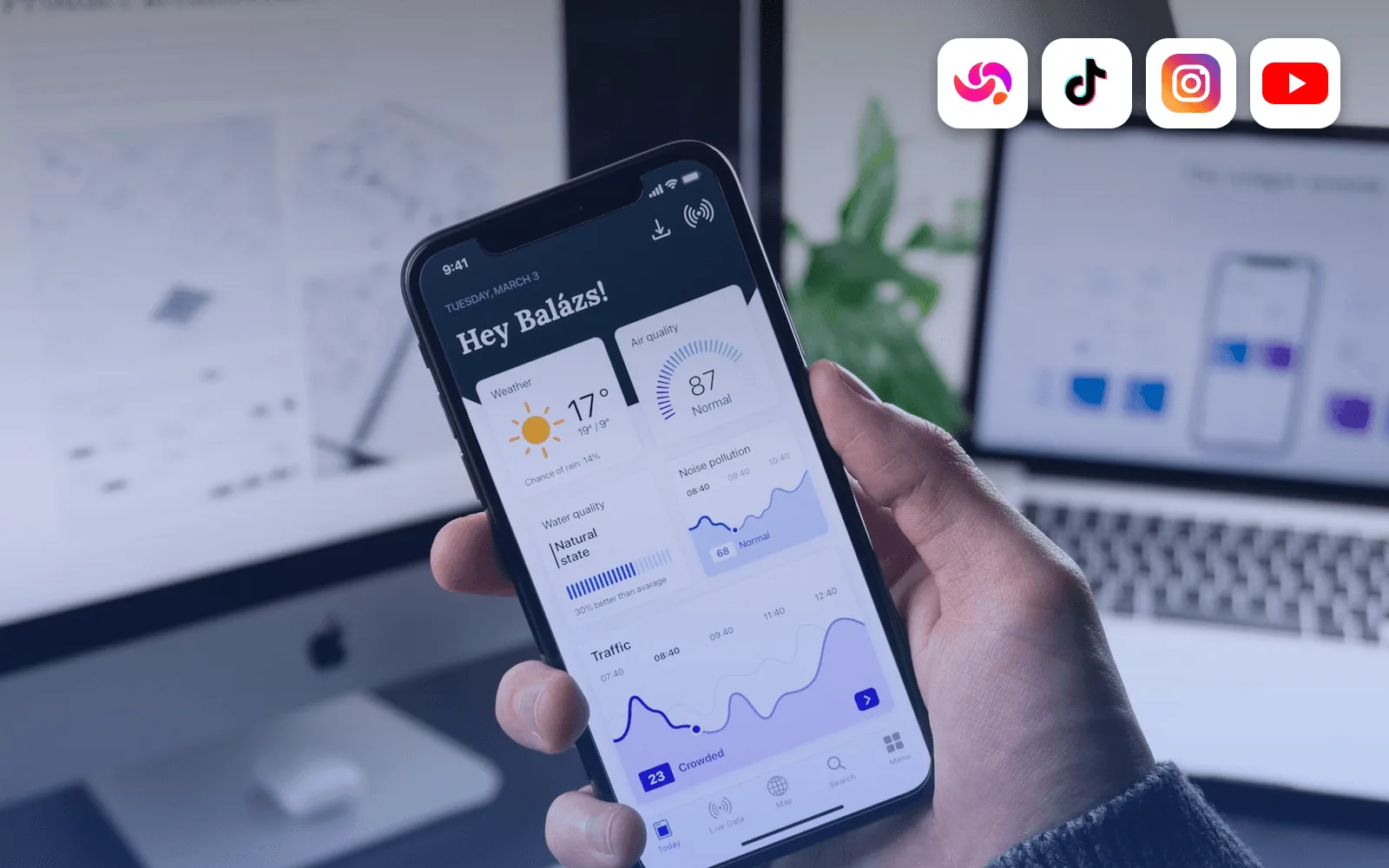
| Phone Screen | App / mobile story |
| Screen + Voice | UI-only + VO (no avatar) |
For avatar styles, choose a region-matched presenter. You see the looks that fit your language (1–4 for each language; 32 in total). Then pick one of 40 voices, each with an audio preview, and, optionally, one of 8 animated caption styles (or captions off).
2. Clip & script
Upload MP4 / MOV / WebM, vertical or landscape. It's fitted to 9:16. Clips longer than 30s use the first 30s.
Reloop watches your clip and writes a short spoken script about what's on screen. Edit it freely, or ask the AI to rewrite it: stronger hook, punchier, shorter, more casual, add a call to action, or your own instruction. Script length is capped to fit the clip, so the voiceover never runs over.
3. Generate
Credits charge when generation starts. The AI presenter is rendered speaking your script, composited onto your clip in the chosen layout, with captions burned in. Usually done in a few minutes. If a render fails on our side, credits are refunded automatically.
4. Ship
The finished 9:16 MP4 lands in Projects. Download it, share a public link, or publish straight to TikTok, Instagram, or YouTube, now or scheduled.
Credits while you work
| Rule | Value |
|---|---|
| 1 credit | 1 second |
| Free | First 30 seconds of video, no card, no watermark |
| A 30-second video | $3.00 (30 credits) |
| Buying credits | Pay as you go from $5 for 50 credits · no subscription |
| How long credits last | Bought credits 6 months · free credits never expire |
Full math: pricing explained.
Pro tips
- Hook visually in the first 2 seconds of the upload.
- One claim per clip.
- Export two styles from the same script and A/B.
- Use Screen + Voice when UI is the hero.
FAQ
Need CapCut after? Usually no.
Languages? 50 spoken languages, including Spanish, French, German, Portuguese, Japanese, Hindi, and Arabic. Pick one per video; script, voice, and presenter all match it.
Start? Sign up free.
Next: 5 styles guide · tool comparison